


Google Map of Cellebrite Text Messages
Updated: Oct 6

WebMap lets you import text messages from the UFDR Cellebrite Reader file and map the tower handling the message in Google Earth.
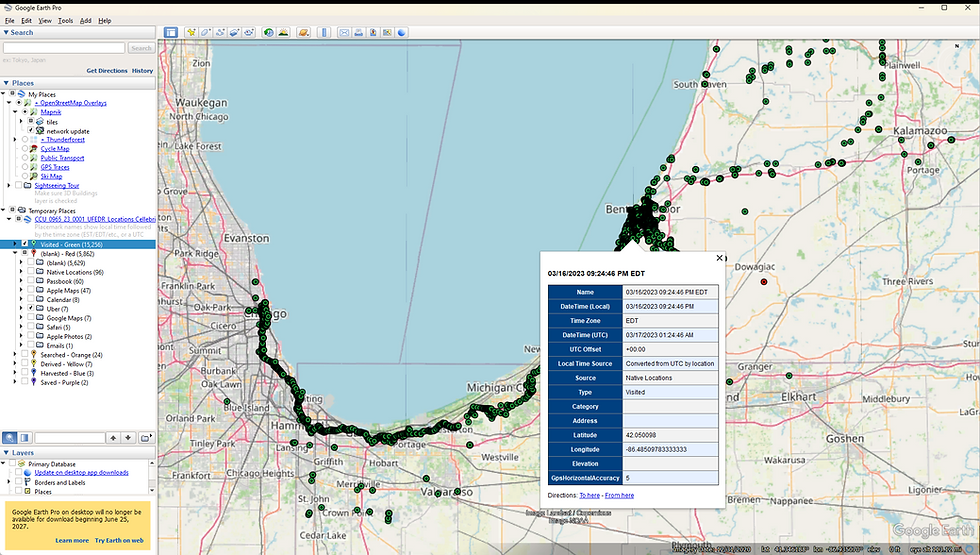
This is extremely powerful if you have a case where determing the location of the phone when particular text messages were sent or received. Webmap matched the Cellebrite stored text message with the SMS records in the Carrier's CDR file. If they are close in time then it tags it as a match and plots the tower location as shown in the map above.
The left Place pane in Google Earth organizes the messages by conversation so each conversation can be viewed separately. It also includes messages that were in Cellebrite but could not be matched with the CDR so you can read the entire conversation. The messages without locations are synchronized in time so all the messages are in chronological order.
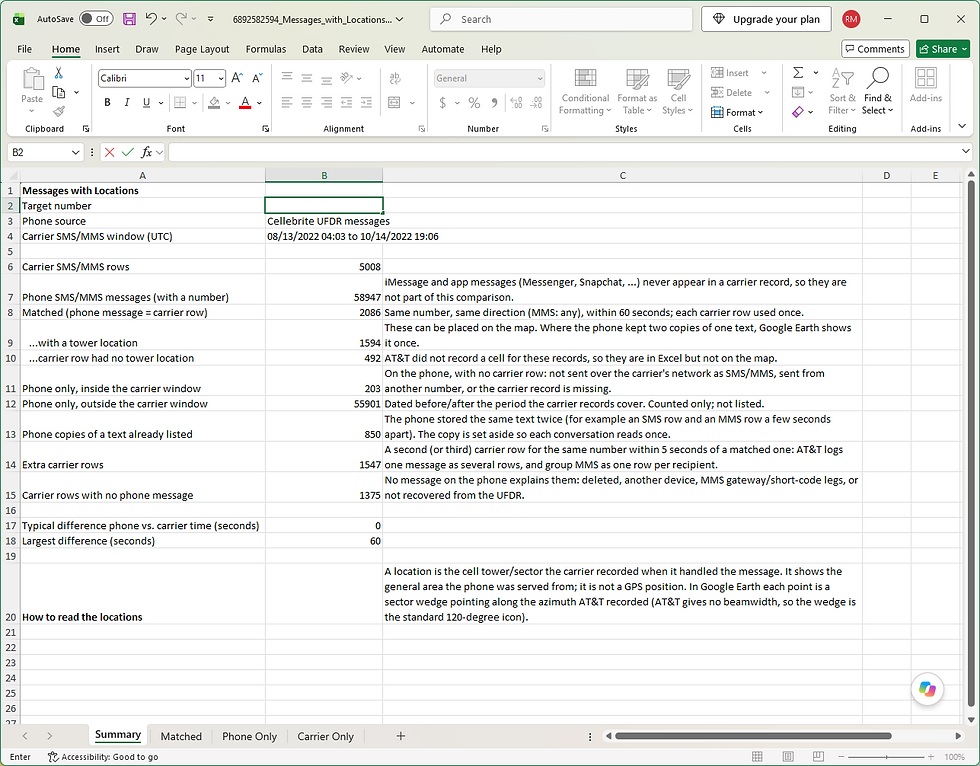
An Excel report is also provided that summarizes the matching process, with additional sheets listing the matched records, Phone only records and Carrier only records. Below are examples of the Summary sheet and the Matched sheet.

For more information on WebMap or a free trial go to our Software page.


Comments